How To Connect Your Interactive Brokers Account
Setup automatic portfolio and executions real-time updates for your Interactive Brokers account. This can be done in less than 5 minutes and you only need to do this once. Manage your risk properly and find your trading or investing edge.
Create IB Flex-Queries
Login to your Interactive Brokers account via the web portal and navigate to Flex-Queries page. You can find this item in the menu on the left side.
Save Flex Settings


Go to your CatCapital Account settings and save your Flex-Token and Query-IDs for portfolio and execution updates. You can always edit or delete these later.
Track Portfolio & Analyze Trades
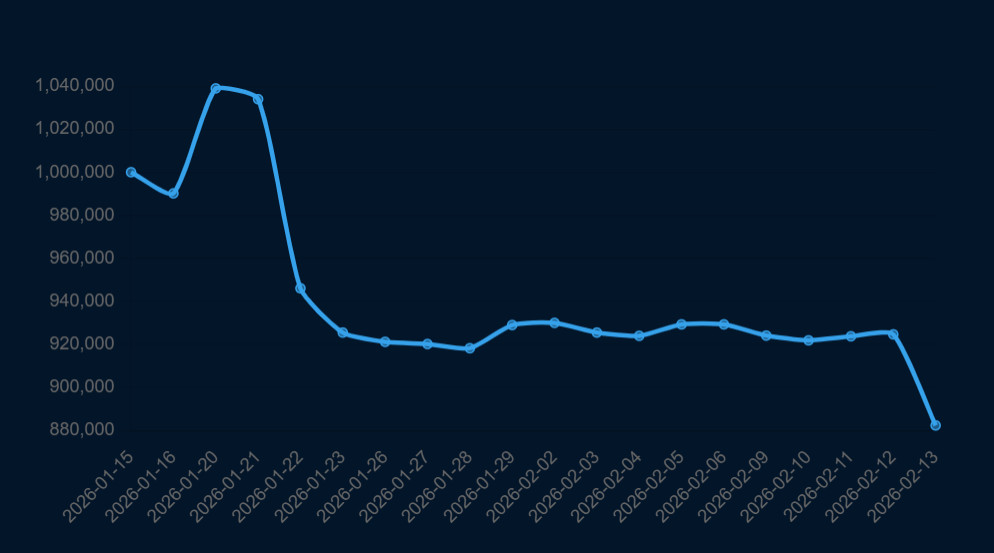
Well done! You can now track your IBKR portfolio risk on CatCapital, receive important notifications and check for potential optimizations. When you also setup Flex-Query for trade executions you can even go a step beyond just tracking your current positions.
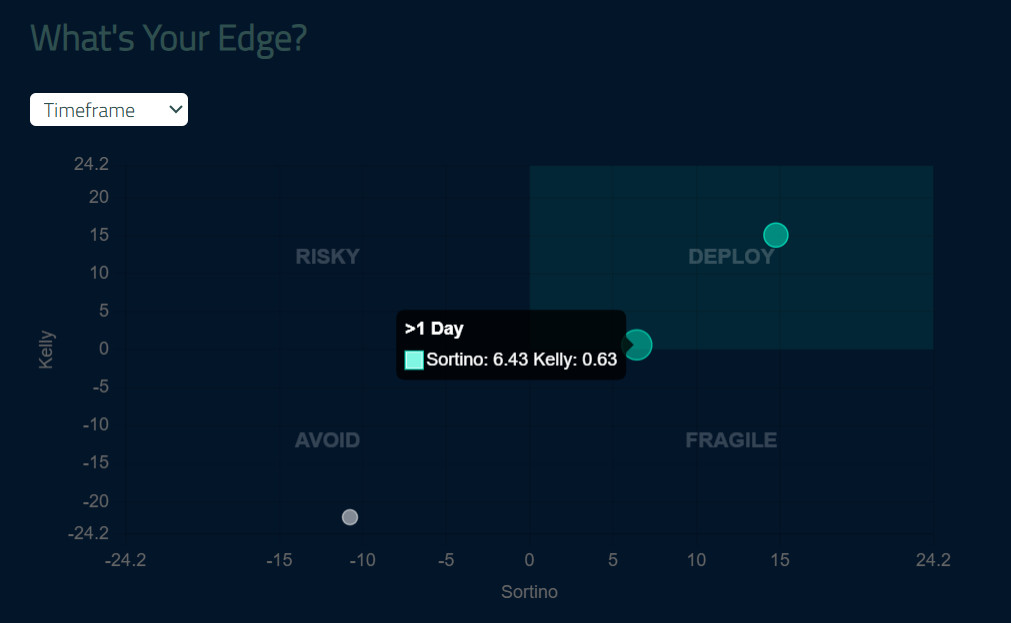
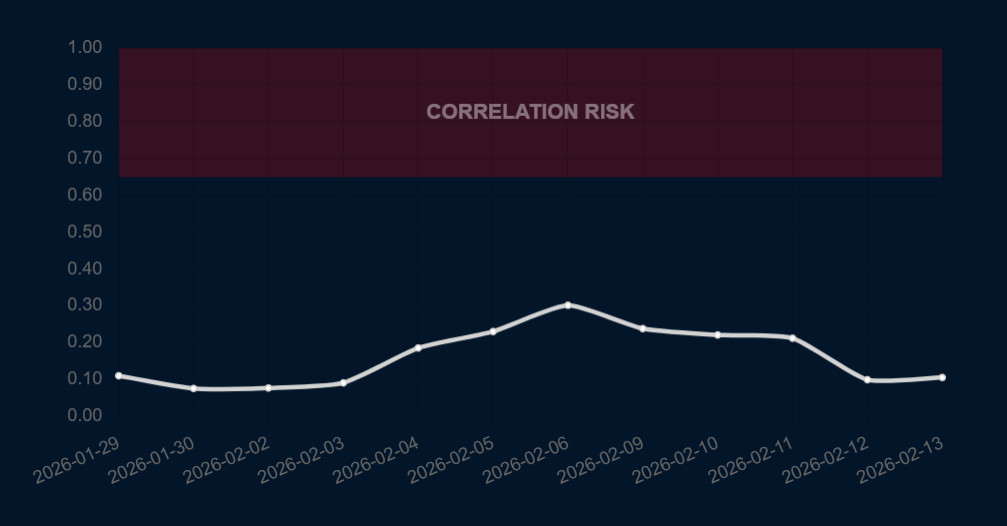
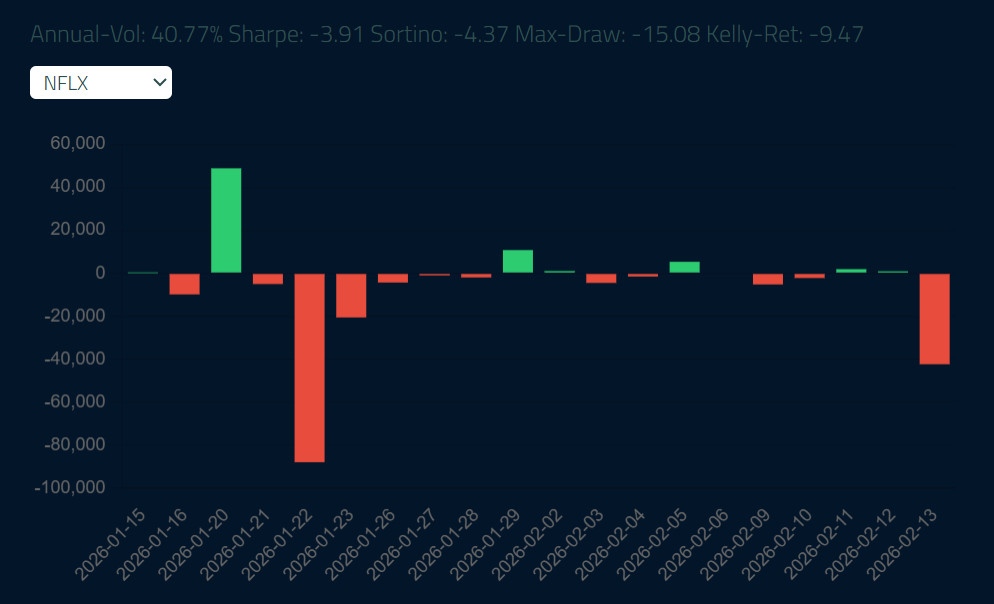
Analyze your trading/investing performance, track correlation risk of your positions and find incredible insights about your personal edge in the market. You need to run trade execution updates for a couple of days to get a reliable insights.